Waypipe 使用指南
Waypipe 是用于 通过 SSH 远程传输 Wayland 图形应用 的工具。
其典型调用格式如下:
1
2
3
|
waypipe [参数...] ssh <主机> <远程命令>
|
1. 基本使用
远程运行图形应用
1
2
| waypipe ssh user@remote_host firefox
waypipe ssh user@remote_host weston
|
注意ssh参数加在user前面
2. 视频编码(提升流畅度)
Waypipe 使用视频压缩传输窗口内容,选择编码可影响性能。
使用 H.264(推荐)
1
| waypipe --video h264 ssh user@remote_host firefox
|
使用 VP9
1
| waypipe --video vp9 ssh user@remote_host firefox
|
3. 压缩选项(降低带宽占用)
使用 lz4 压缩
1
| waypipe --compress lz4 ssh user@remote_host firefox
|
4. 使用 Cage 或 Weston 启动 Wayland 会话
Cage 运行单应用(最简洁 Wayland 环境)
1
2
| waypipe ssh user@remote_host "cage -- /usr/bin/java -jar ~/Desktop/HMCL.jar"
waypipe ssh user@remote_host "cage -- /usr/bin/java -jar ~/Desktop/HMCL.jar"
|
注意传入cage的应用最好写完整路径,否则cage容易识别不了
Weston 运行完整 Wayland Compositor
1
| waypipe ssh user@remote_host "weston --xwayland -S wayland-1 --width=1280 --height=720 --shell=kiosk-shell.so"
|
5. GPU 相关选项
禁用 GPU(兼容性更高)
远端 GPU 驱动不稳定时使用。
1
2
| waypipe --no-gpu ssh user@remote_host firefox
waypipe --no-gpu ssh user@remote_host weston
|
6. 指定远端 socket(用于多会话)
1
2
3
| waypipe --remote-socket ~/waypipe.sock ssh user@remote_host firefox
waypipe --remote-socket /run/user/$(ssh user@remote_host id -u)/wp-ts.sock \
ssh -o ControlMaster=no user@remote_host firefox
|
注:此条我并没有研究
7. 远程运行 Java 应用(HMCL 示例)
强制 JavaFX 使用 GPU
1
| waypipe ssh user@remote_host "java -Dprism.order=es2 -Dprism.forceGPU=true -jar ~/Desktop/HMCL.jar"
|
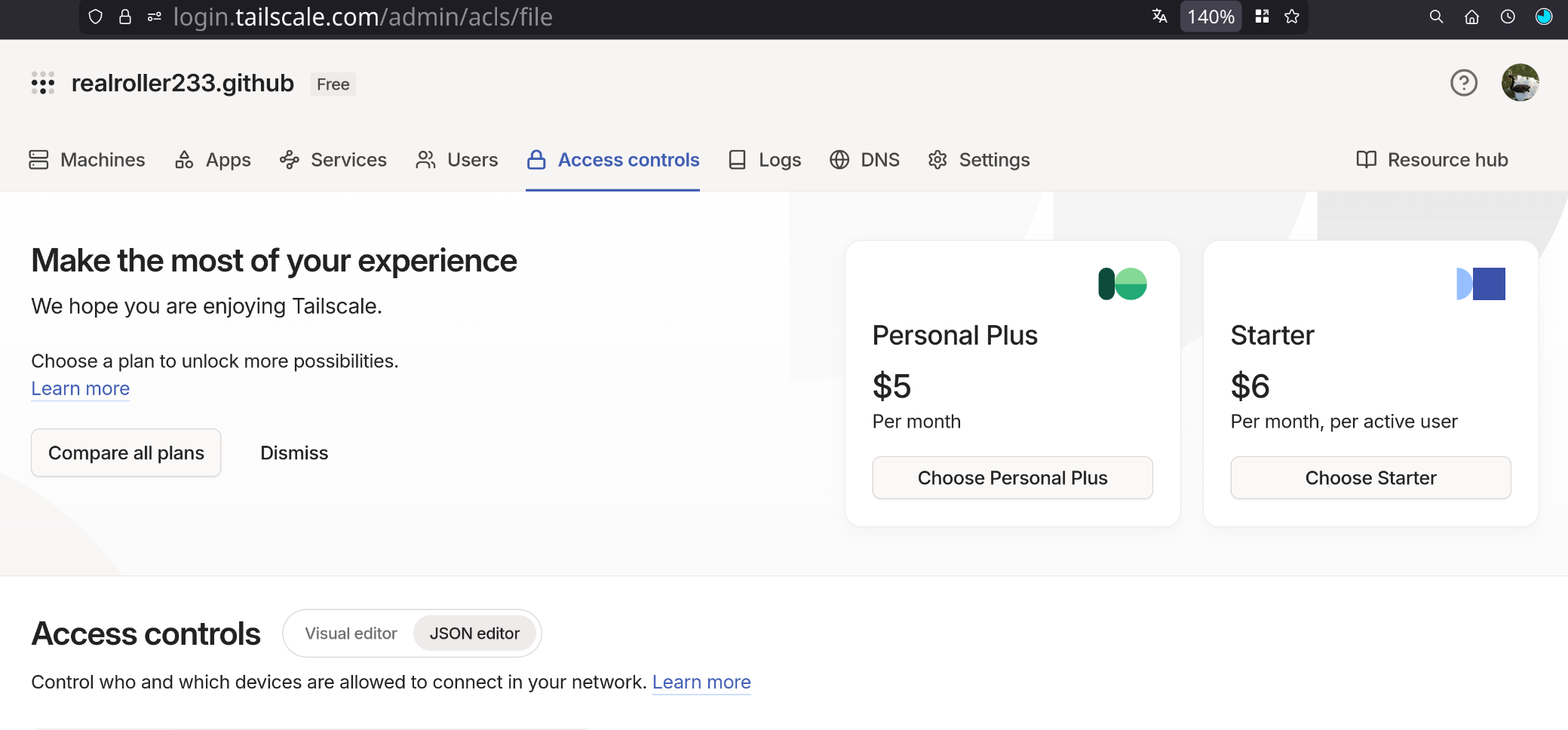
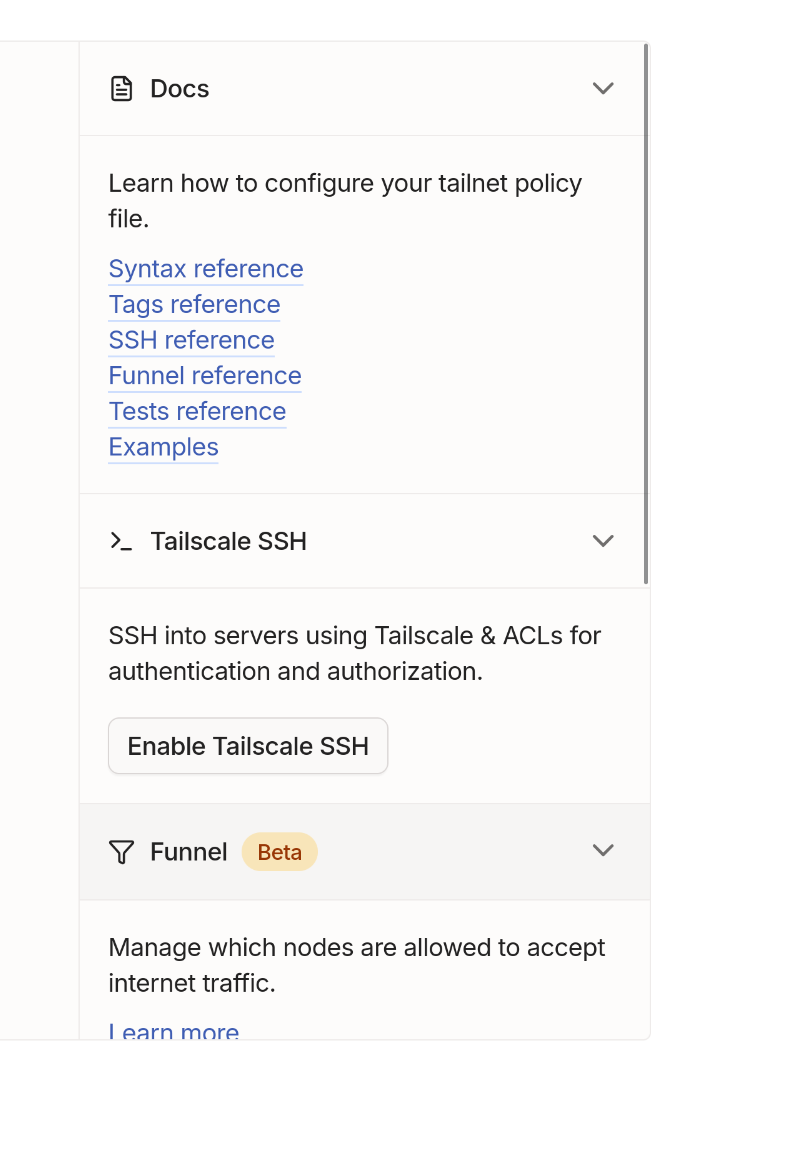
8. tailscale连接的兼容
在启用了tailscale的内置ssh功能的时候,tailscale会接管宿主机的ssh,这样使得waypipe流量被拦截
如图所示设置,并在tailscale up的参数中设置–ssh=false可以禁用tailscale的流量接管,但是此时必须使用密钥连接